
Use case
Build your own frontend on an inspectable LCA engine
Some projects need a domain-specific interface rather than a generic LCA application. VoLCA can provide the environmental data and computation layer while your frontend owns the user journey, business vocabulary, permissions, and reporting.
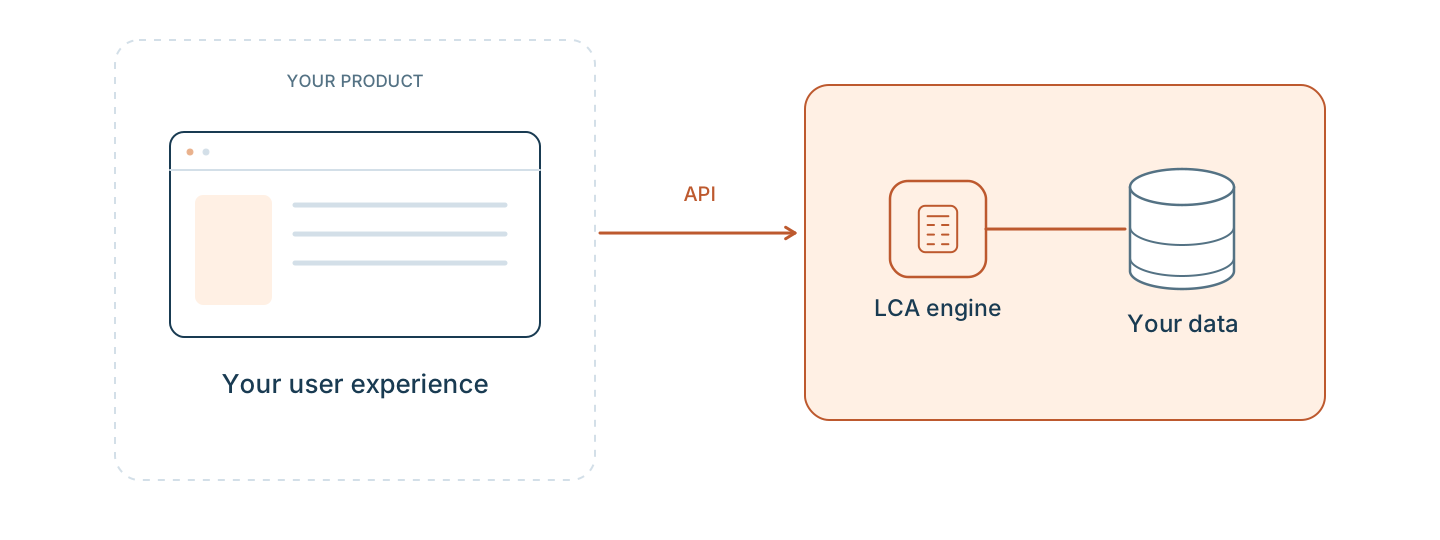
Your frontend
Own the product experience
- Domain-specific screens and terminology.
- User roles, permissions, review flows, and reporting.
- Project-specific input forms, dashboards, exports, and decision workflows.
VoLCA
Provide the LCA layer
- Searchable datasets, activities, flows, methods, and mappings.
- Inventories, impact results, contribution views, and traceability.
- Consistent access through API, Python, CLI, and MCP surfaces.
Ways to connect
API
HTTP endpoints
Call VoLCA from web applications, services, dashboards, or integration middleware through JSON-oriented endpoints.
Python
pyvolca
Prototype, analyse, and automate workflows from notebooks or scripts before turning them into product features.
CLI
Repeatable operations
Use terminal workflows for imports, checks, scripted inspection, and infrastructure-friendly operations.
MCP
Agent workflows
Let assistants query real LCA records and computation paths instead of answering from static summaries.
When this pattern fits
Business users need a narrow workflow
The interface can hide LCA complexity while VoLCA keeps the underlying data, methods, and results inspectable for experts.
You need controlled data access
Private or licensed datasets can be handled in a deployment model where access and obligations are explicit.
You want proof before productizing
Start with VoLCA’s UI, Python, or API to validate the workflow, then wrap the relevant paths in a custom frontend.
Runnable examples
Python scripts from the public examples project that exercise this workflow.
Design the interface around your users, keep LCA traceability underneath
Tell us what users need to decide, what data must be controlled, and where VoLCA should sit in your architecture.