
Start with VoLCA
Choose your first step.
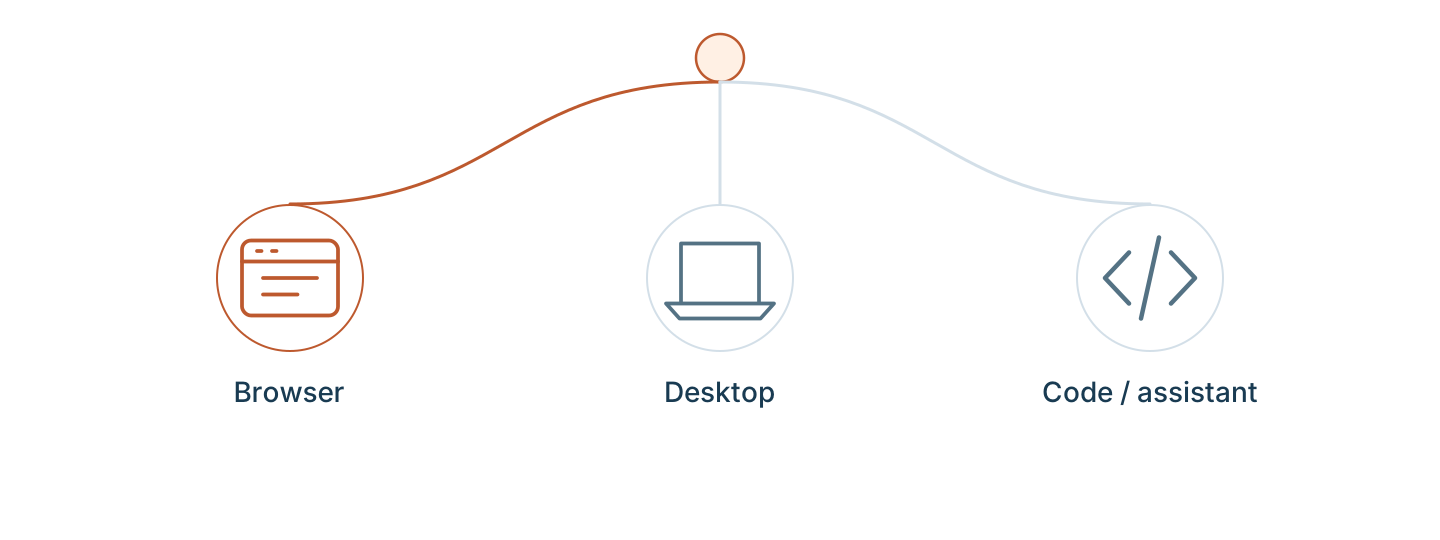
Inspect a real activity and its inventory. Start in the browser, or use the tools you already work with.
Recommended · No installation
Inspect BAFU in your browser
Open the shared workspace, find an electricity activity, and inspect its direct inputs. A free account is required. The shared workspace is read-only.
Prefer code or an assistant?
Python · pyvolca
Run a standalone script to load BAFU, select the Swiss electricity mix, and calculate its inventory.
Python 3.10+ · local download · no account
Run the Python exercise →Command line
Install the engine, load BAFU and save the Swiss electricity mix inventory as JSON.
Local engine · terminal · no account
Run the CLI exercise →AI assistant · MCP
Connect your assistant to real LCA records. Ask it to discover databases, search, and show its sources.
MCP-capable client · hosted account and OAuth
Connect your assistant →Other ways to begin
Desktop
Download the app through your account, then open and inspect a public database locally.
Start on desktop →HTTP API
Start a local server and make your first JSON request. No hosted subscription or account is needed for this local exercise.
Make an API request →Running your own service? Continue to the advanced self-hosted quick start.