
Import databases
Import databases into VoLCA
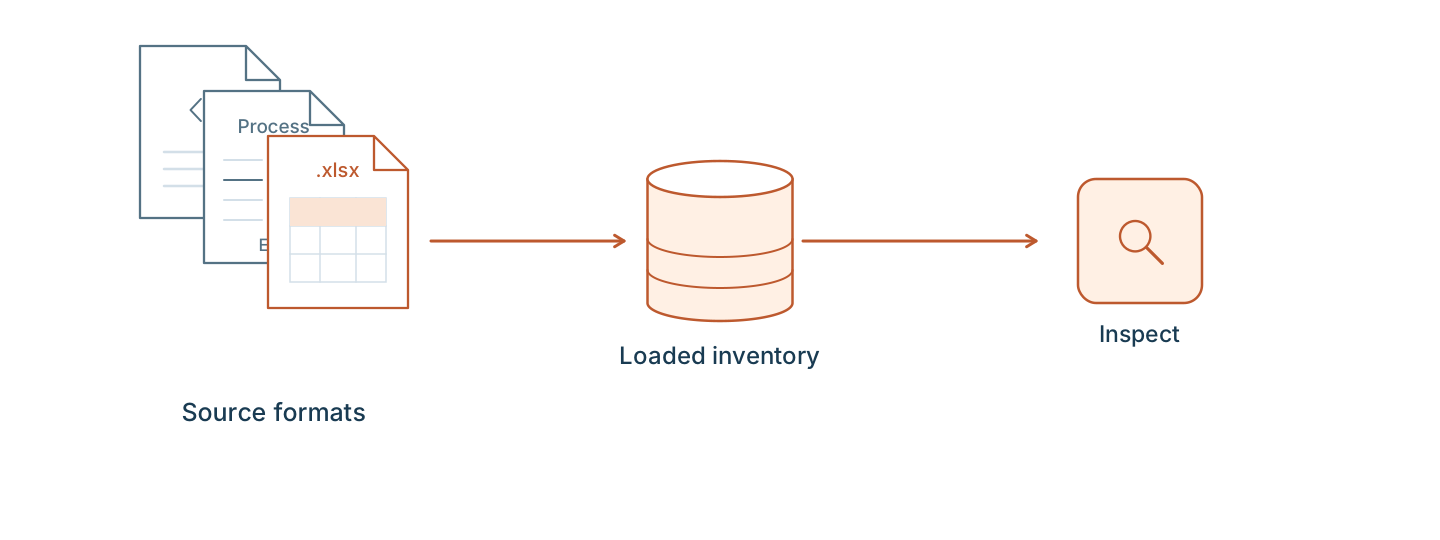
Two kinds of pages get you to a loaded database. A named database page tells you which file to get and the exact steps for that database. A format page explains the file structure, the commands, and the limits, independent of which database ships in it.
Named databases
Start here if you already know which database you want.
Public reference · France
Agribalyse
The French national food LCA database, published by ADEME. Import the 3.2 SimaPro CSV export, then search and compute on it.
Format: SimaPro CSV
Public reference · Switzerland
BAFU
The public LCA inventories published by the Swiss Federal Office for the Environment (FOEN/BAFU), distributed as EcoSpold 1 XML.
Format: EcoSpold 1
Licensed reference
ecoinvent
A licensed background database distributed as EcoSpold 2 .spold datasets. VoLCA reads the format; you need your own license and files.
Format: EcoSpold 2
File formats
Start here if you already have a file and want to know what VoLCA does with it.
Supported database formats
Each format page describes accepted files, imported data, commands, and interpretation boundaries.
Not sure which EcoSpold version you have?
EcoSpold 1 and EcoSpold 2 are different XML structures used by different sources and ecoinvent generations.
Frequently asked questions
What is the difference between a database page and a format page?
A database page tells you which file to get, who publishes it, and the practical steps to load it. A format page explains the file structure and commands independent of which database ships in it.
Does VoLCA include Agribalyse, BAFU, or ecoinvent?
The open-source engine does not include these databases. The hosted shared engine offers BAFU for exploration. Full Agribalyse inventories contain licensed background data; consult ADEME conditions. ecoinvent requires your own entitled copy.
Does importing a database import an impact assessment method?
No. The database and its LCIA method are separate inputs on every format this site documents. Import the database, then import and verify a compatible method separately.
My database is not listed here. What do I do?
If VoLCA reads one of the listed formats, it can load your database under that format page. See import your own databases for the private and custom-data workflow.