
Database export
Export LCA databases
Take a loaded database into your next workflow. Choose the destination format you need, see what the writer produces, and check the limits before sharing or reusing the file.
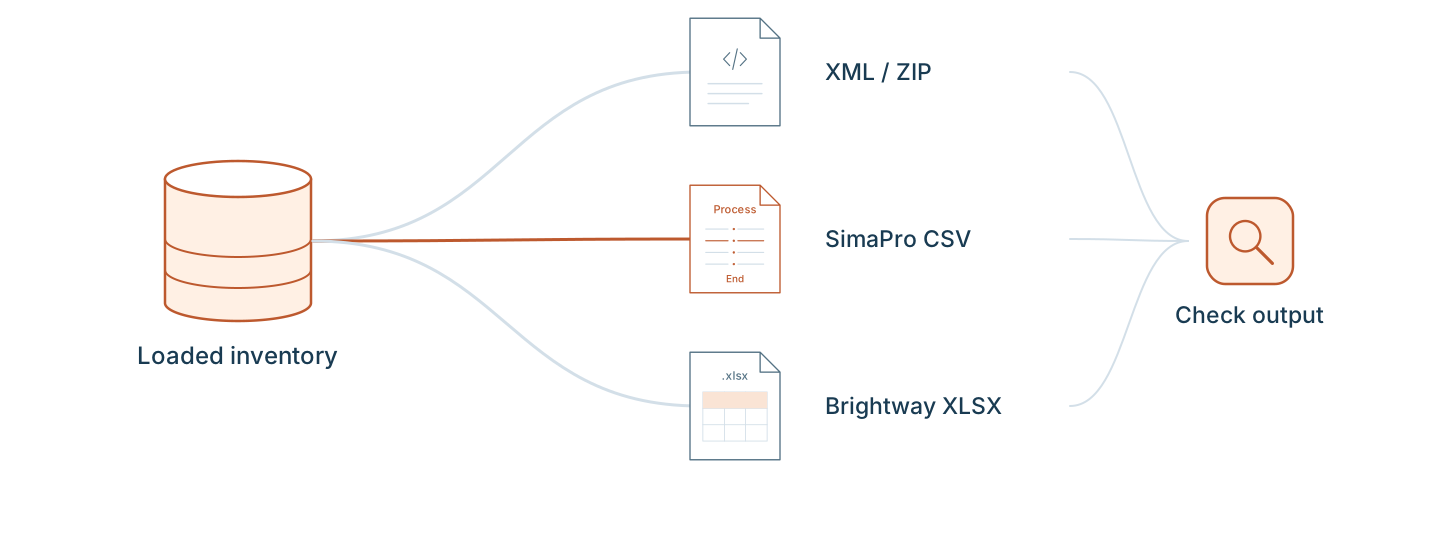
Choose your destination format
Database export
ILCD
Save a loaded LCA database as an ILCD ZIP with process, flow, and unit datasets.
Database export
EcoSpold 2
Save a loaded LCA database as a ZIP of EcoSpold 2 .spold datasets with activity and product identifiers.
Database export
EcoSpold 1
Save a loaded LCA database as one EcoSpold 1 XML file for a workflow that needs the older inventory format.
Database export
SimaPro CSV
Save a loaded LCA database as structured SimaPro CSV with process sections, products, and exchange amounts.
Database export
Brightway Excel
The Brightway Excel packaging defect in VoLCA 0.12.0 is fixed on main for the next deployment and release.
Release status
VoLCA 0.12.0 generates a .xlsx file without the required OOXML manifest [Content_Types].xml, so openpyxl cannot open it. Merged PR #396 adds the missing package parts, and its exported workbook opened successfully with openpyxl. The fix will be available on the hosted service after its next deployment and in packaged software with the next release. Until then, check the VoLCA version behind your server before using this export for a transfer.
Import, load, then export
Start with a database loaded on your VoLCA server. Each format page gives a CLI command and a Python example to save the export locally.
The export contains the supported fields in VoLCA's loaded model, not a byte-for-byte copy of the source. Review import and export warnings, dependencies, and your rights to redistribute the data.
Integrate through the HTTP API →Inventory databases and methods are separate
These five destinations export inventory databases, not characterized results or bundled LCIA methods. Brightway Excel is a tool-specific workbook convention, not a universal exchange standard.
Choose and verify the receiving workflow's method and flow mapping separately. A successful export is only one step in checking a conversion.
Method CLI reference →A measured large-database example
The historical Agribalyse run used VoLCA v0.9.1 to export 21,510 process datasets to ILCD, EcoSpold 1, and EcoSpold 2. It recorded file counts, checksums, timings, and structural checks.
That example did not test SimaPro CSV or Brightway Excel exports. The exported files were not re-imported into target software, and the run did not establish LCIA-result equivalence or current-release performance.
Read the Agribalyse results and limitations →Frequently asked questions
Which database export formats does VoLCA document?
The database export operations are ILCD ZIP, EcoSpold 2 ZIP, EcoSpold 1 XML, SimaPro CSV, and Brightway Excel .xlsx. The Brightway packaging defect in VoLCA 0.12.0 was fixed by merged PR #396 for the next deployment and release. Check the server version until that fix is deployed. Other formats were not import-tested in receiving applications.
Does exporting a database also export its LCIA method?
No. Database exports carry inventory data. LCIA method export is a separate operation with a separate set of supported formats. A method export format does not imply support for a database in that format.
Does writing an export prove it will work in another application?
No. Check the file in the receiving application, review supplier links and warnings, and validate flow mappings and LCIA results separately. Export success alone is not a compatibility or result-equivalence guarantee.