
Database export · EcoSpold
Export EcoSpold databases
Choose the destination your receiving workflow needs. EcoSpold 1 and EcoSpold 2 are different XML structures, not interchangeable file extensions. Your source format does not have to match the export format.
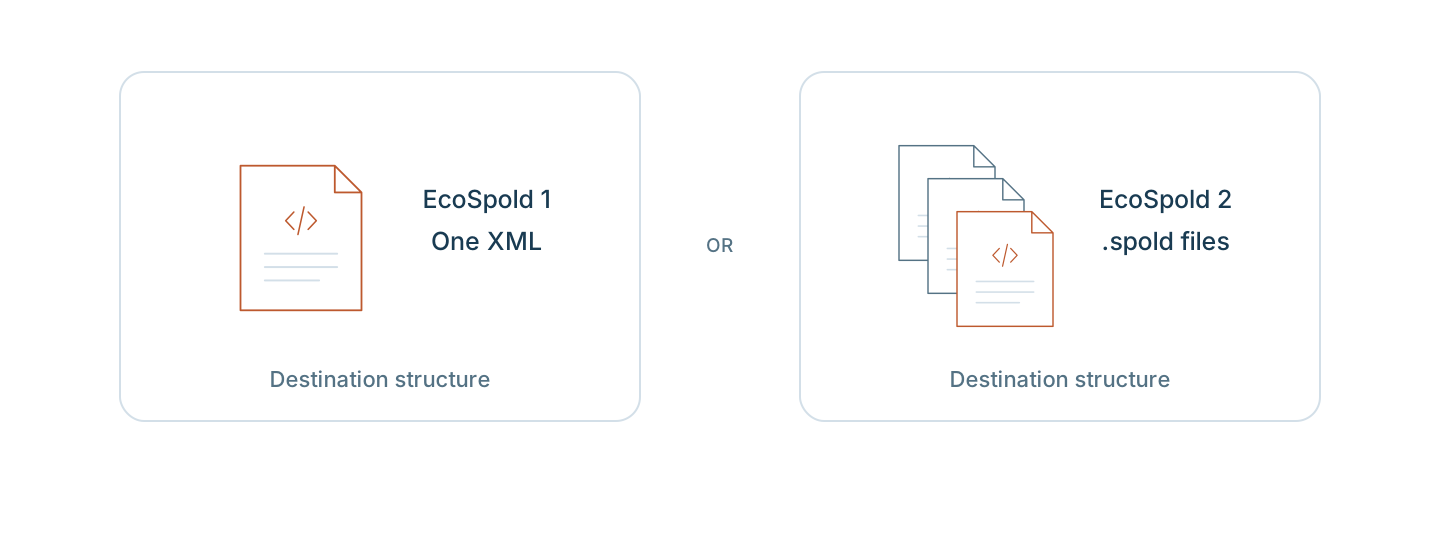
Which version does your destination require?
EcoSpold 1: one XML document
The older inventory structure used by ecoinvent versions 1 and 2. VoLCA writes numbered process datasets under one ecoSpold root.
Choose it when the receiving workflow asks for EcoSpold 1. The writer assigns its own numbering rather than retaining arbitrary source UUIDs. Review supplier resolution and exchange-role changes.
See the EcoSpold 1 output and commands →EcoSpold 2: a ZIP of .spold datasets
The inventory structure developed for ecoinvent version 3. VoLCA writes one .spold document per activity and reference-product pair, with UUID-based identifiers.
Choose it when the receiving workflow asks for EcoSpold 2. Identifiers help describe links, but you still need to verify supplier resolution. The writer cannot restore fields discarded during import.
See the EcoSpold 2 output and commands →Check the receiving workflow
Load your source database first, then use the commands on the chosen format page. Review warnings, the receiving application's import, supplier links, and method-to-flow mapping. Writing a file does not establish compatibility or equivalent LCIA results.
Frequently asked questions
Which EcoSpold version should I export?
Choose the version requested by the receiving workflow. EcoSpold 1 writes numbered datasets inside one XML document. EcoSpold 2 writes a ZIP of .spold datasets with activity and product UUIDs. Neither choice proves that a particular application will accept the file.
Can I turn EcoSpold 1 into EcoSpold 2 by renaming the file?
No. The XML structures and identification models differ. Load the source database, then export it in the required destination format and review that format’s limitations.
Do EcoSpold database exports include an LCIA method?
No. These exports carry inventory data, not a bundled LCIA method. Import and verify a compatible method separately before comparing characterized results.