
Database export · Brightway Excel
Export Brightway Excel databases
The Brightway Excel packaging defect in VoLCA 0.12.0 is fixed on main for the next deployment and release.
What is Brightway Excel?
Brightway Excel is the .xlsx inventory convention used by Brightway bw2io ExcelImporter, not a universal LCA exchange standard. It uses activity metadata blocks followed by labelled exchange tables.
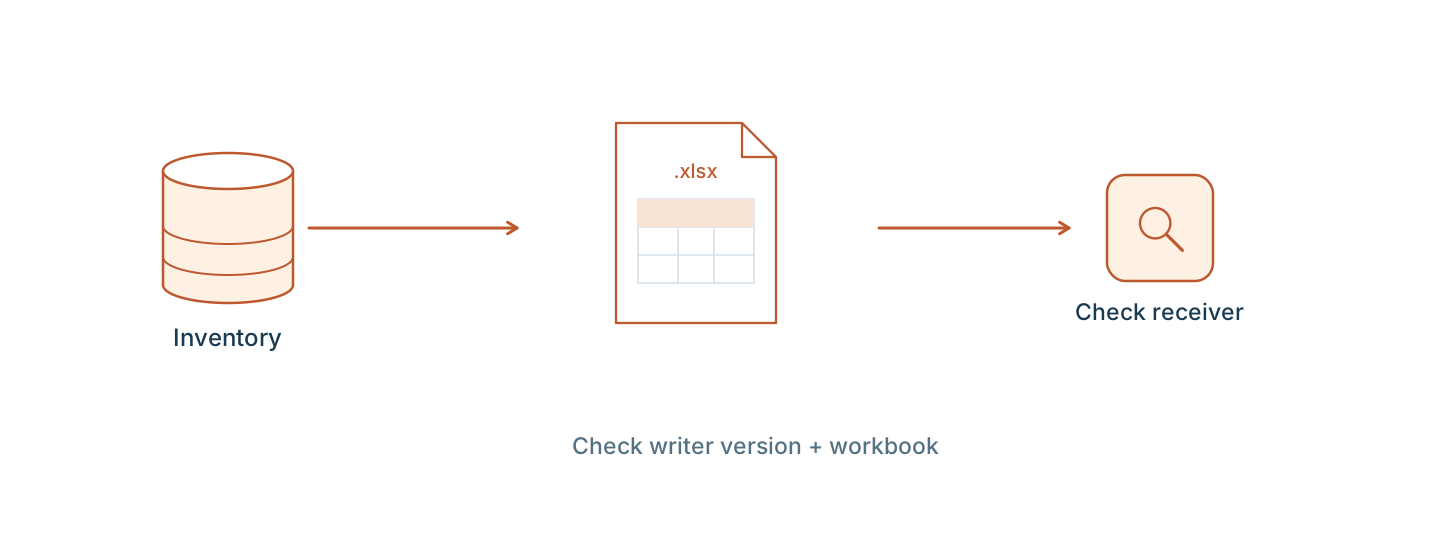
What you get
One .xlsx workbook with a data worksheet containing Database and Activity blocks, reference-product metadata, and Exchanges tables. The fix merged after VoLCA 0.12.0 adds the OOXML package manifest required by spreadsheet readers.
Export value: brightway
Start with a loaded database
Import and load your source database on a running VoLCA server first. Uploading a file alone is not enough. Replace my-database with the loaded database name.
Review load warnings and supplier dependencies before exporting. Only export and share data your license allows you to use.
Choose an import path →Save the database to a file
These CLI and Python examples address your running server. Smoke checks used VoLCA v0.12.0 and pyvolca 0.11.0 with a synthetic single-product database. All five CLI file-generation operations completed. openpyxl exposed an OOXML manifest defect in the v0.12.0 Brightway file; merged PR #396 adds the missing package parts, and the resulting workbook opened successfully with openpyxl. Other formats were not import-tested in receiving applications. File generation does not establish metadata fidelity, supplier-link fidelity, or acceptance by another application.
CLI
volca --config volca.toml --url http://localhost:8080 database export my-database \
  --format brightway --out database-brightway.xlsx
Use your existing volca.toml configuration and credentials. Replace the local URL with your server address.
Python
from volca import Client

client = Client("http://localhost:8080")
client.export_to_file("brightway", "database-brightway.xlsx",
                      db_name="my-database")
Install pyvolca, replace the local server URL, and supply credentials when required. Choose a new output filename to avoid replacing an existing file.
What the writer carries forward
The writer carries activity names, reference products, locations, units, categories, and production, technosphere, and biosphere exchange amounts. The merged packaging fix changes the workbook container, not those worksheet rows.
Exports are written from VoLCA's loaded data model. They are not copies of the original source files.
Limits to check before using the file
VoLCA 0.12.0 remains affected until the fixed writer is deployed or released. Separately, Brightway has no distinct waste exchange type: orphan waste exchanges are rewritten as technosphere exchanges, with a warning, and the waste tag is lost. The inventory export is not an LCIA method or a complete Brightway project. Import and supplier linking still need testing in the receiving environment.
Review export warnings and errors. A file being written does not establish target-software compatibility, successful supplier linking, or equivalent LCIA results. Import and verify a compatible LCIA method separately.
Read the writer source →Frequently asked questions
Is this a complete Brightway project export?
No. The output is inventory data, not a complete project. The packaging defect in VoLCA 0.12.0 was fixed by merged PR #396 for the next deployment and release. Database links and LCIA methods still need separate validation in the receiving environment.